
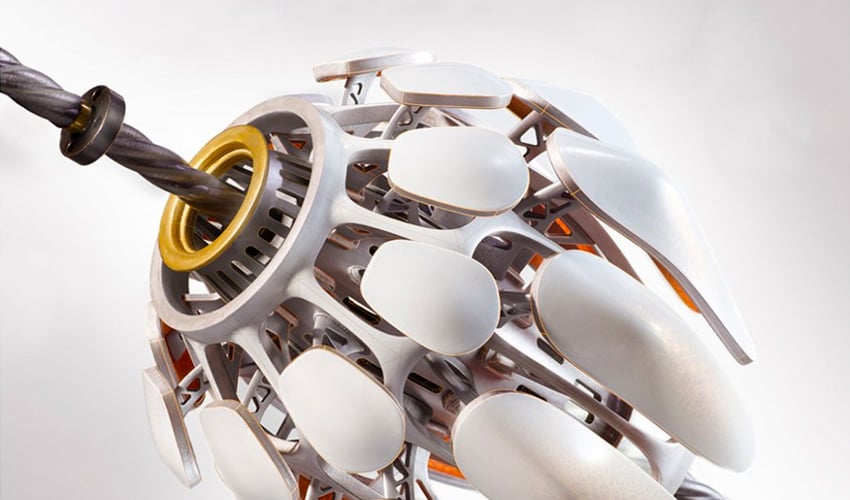
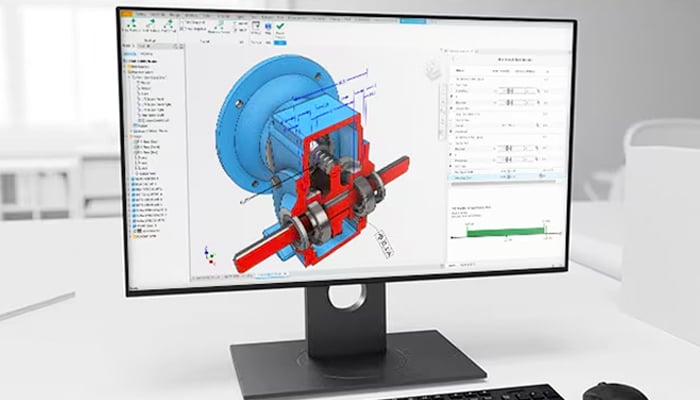
In any printing process, the first step is the digital design of the model to be manufactured. For this, there is a wide variety of design tools available on the market. From basic solutions for beginners to advanced software for professionals, the options are numerous. Among these programs is Autodesk Inventor. Developed by Autodesk, this is computer-aided design (CAD) software for modeling, simulation, visualization and documentation. Inventor facilitates the integration of 2D and 3D data in a single place, creating a virtual representation of the final product that enables users to validate form, fit and function before manufacturing. Autodesk Inventor also includes parametric modeling, direct editing and free-form tools, as well as multi-CAD translation capabilities in its standard DWG computer drawings (DraWinG). To find out more about this software, read on in this comprehensive guide.
Inventor uses ShapeManager, Autodesk’s proprietary geometric modeling kernel. The CAD software therefore combines parametric design capabilities: direct, free-form and rule-based. With this professional solution, you have integrated tools for sheet metal, frame, tube, cable and harness design, layout, rendering, simulation, machine design and much more. What’s more, it supports TrustedDWG® files and offers powerful model-based definition features for integrating manufacturing information directly into the 3D model. It is widely used by mechanical engineers who need specialized, automated tools to design and prepare for manufacturing.
إرسال تعليق